
Business 2026-06-01
B2B Cold Calling - 7 Metrics That Tell You If Automation Makes Sense
How do you know if cold calling automation makes sense? These 7 metrics give you the answer in 10 minutes.
8 min read
Prosty CRM w arkuszu — każda rozmowa = nowy wiersz. Coldbot syncs call outcomes, qualified leads, and conversation data with Google Sheets automatically - no manual data entry after each call. This integration is included in standard Coldbot deployments - we help map fields, test writes, and monitor sync health from day one.
Voice calls produce structured outcomes - budget answers, dispositions, meeting times. Without google-sheets sync that data stays in recordings. Coldbot writes automatically so sales acts while the lead is still warm, and ops teams trust reporting because fields are consistent call after call.
Every qualified conversation can trigger automated actions in your stack. Teams typically configure this during Coldbot onboarding with supervised test calls before scaling outbound volume.
Most teams complete the integration during initial onboarding (7–14 days). Teams typically configure this during Coldbot onboarding with supervised test calls before scaling outbound volume.
Map conversation outputs to your system - qualification answers become properties, activities, or custom objects. Most teams map disposition, score, budget, timeline, and meeting time in the first onboarding workshop.
After each call Coldbot sends a structured JSON payload to google-sheets. You trigger multi-step flows: update CRM, send Slack alert, create task, notify billing, or enrich data warehouse. This is how voice AI becomes part of your existing ops stack without custom telephony code.
Coldbot signs webhook payloads, retries failed writes, and logs integration errors in the dashboard. Credentials for google-sheets are stored encrypted; you can scope permissions to minimum required (read calendar, write events, etc.). Enterprise customers receive audit logs for compliance reviews.
FAQ
Yes. Standard CRM and calendar integrations are available on Growth and Enterprise plans. Contact us for custom API requirements.
Lead and activity data typically syncs within seconds via webhooks. Calendar bookings reflect availability in real time.
Yes. Map any conversation output - budget, timeline, location, score - to custom fields in your connected system.
Usually 1–2 days inside the 7–14 day Coldbot deployment, including test calls.
Coldbot retries and alerts your team; we adjust mappings during onboarding or support.
After you connect
Launch a deploy-ready agent script, then wire SMS, CRM, and calendar triggers from our playbook library.
Book a demo — we'll wire templates and automations that run on this connector.
No commitment · Reply within 24h
Blog
Guides on voice AI, outbound sales, and automation.
How do you know if cold calling automation makes sense? These 7 metrics give you the answer in 10 minutes.
8 min read
I look at the future of cold calling. Voice bots already do 60% of a rep's work. In 2 years - 90%.
8 min read
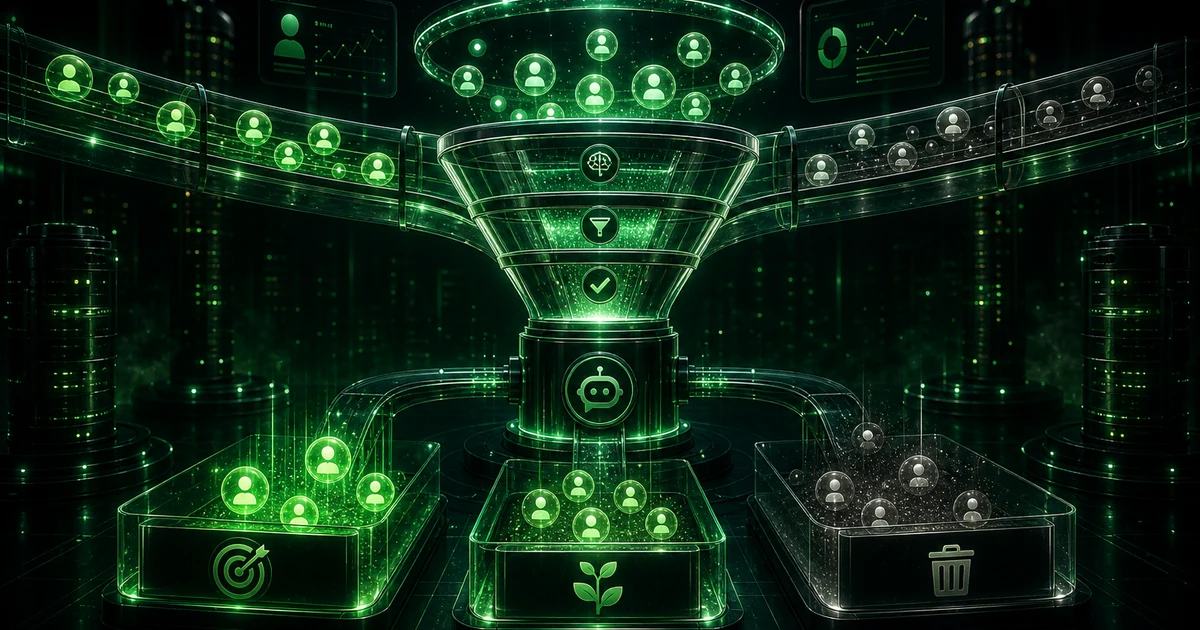
The script is 80% of voice bot success. I show you the 3 most common script mistakes and how to fix them. Ready-made examples.
10 min read
Powered by

Cookies and privacy
We use only essential cookies by default. Analytics cookies are loaded only after you opt in.
See the cookies and privacy policies for details. Cookies policy · Privacy policy